About
ZeBeZo
Independent software, games, learning tools, experiments, and local journalism built by a family, for everyone.
ZeBeZo is a place to build, learn, play, explore, and share. Projects that began at home now live on an open website.
Explore ZeBeZoA Family-Built Project
ZeBeZo is built and maintained by a family that likes technology, games, education, data, and creative experiments. What started as small projects at home has grown into a public website where we share what we build and learn.
Where the Name Comes From
ZeBeZo comes from the names of our kids: Zeke, Benji, and Zoe.
It began as a place to build, learn, and play together. Now it holds projects we share with everyone.
What We Build
Games, learning tools, data visualizations, and local reporting. Here are real projects you can open now.
Learning Tools
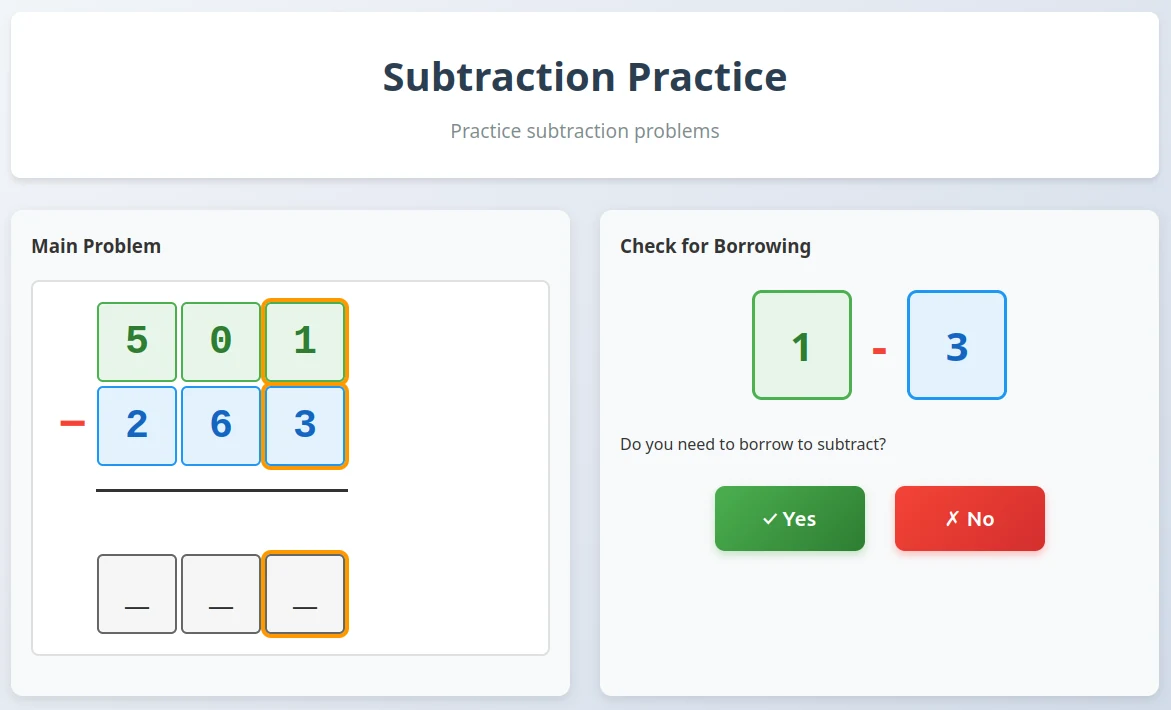
Subtraction Practice
Work through borrowing decisions in an interactive math exercise.
Try Subtraction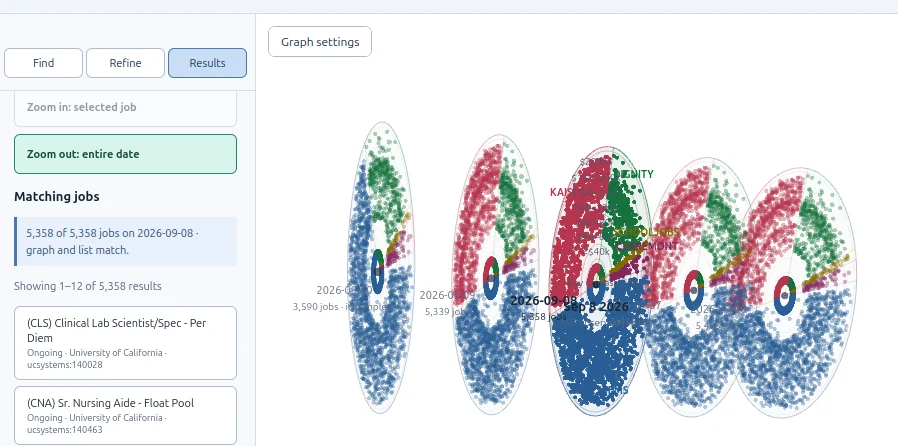
Web Experiments
Daily Job Review
Explore observed jobs with an interactive graph and inspect their details.
Open Job Review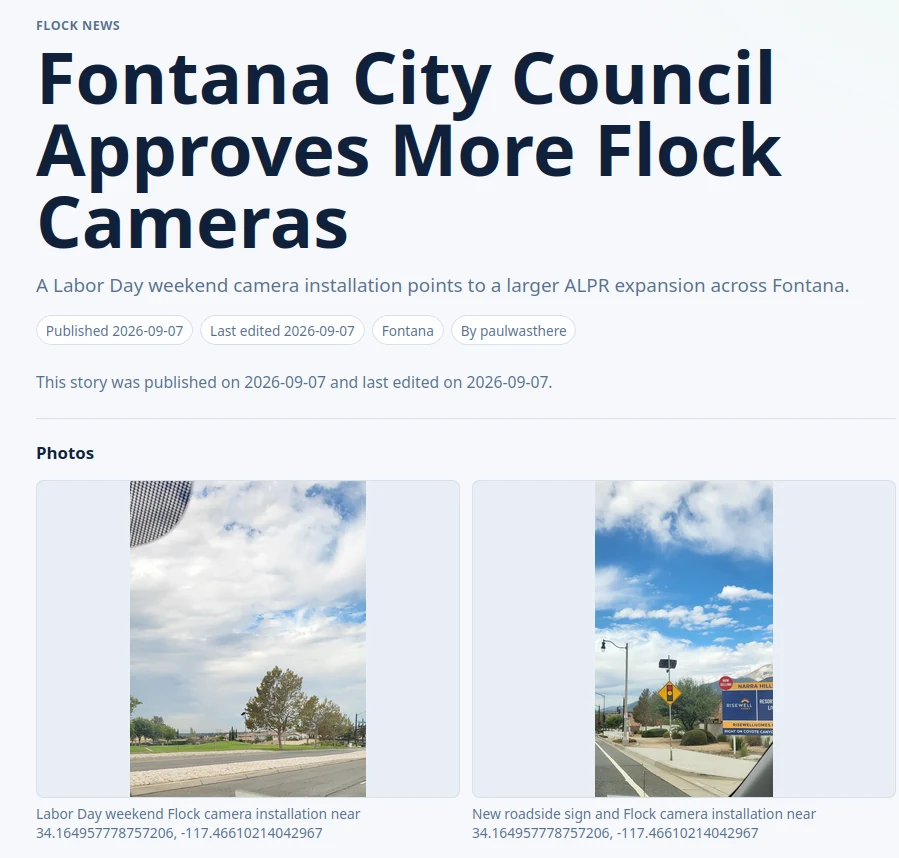
Local Journalism
Fontana Flock Cameras
Reporting on a City Council decision about additional camera installations.
Read the ArticleOur Principles
- Build
Create useful and interesting tools.
- Share
Keep projects open and accessible.
- Family First
Built by a family for families and the community.
- Keep Learning
Always improving and experimenting.
- Appropriate Content
We aim for a PG-13 content range.
Why ZeBeZo Exists
We like building things, learning new skills, and exploring how technology can serve education, creativity, and local information.
ZeBeZo gives us a place to share those things with others who may find them useful, fun, or inspiring.
The People Behind It
Hi, I'm Paul. I'm a respiratory therapist and educator who builds and maintains ZeBeZo. I work on games, tools, data projects, and articles with the support and inspiration of my family.
Community support
Our Sponsors
Sponsors will have a clearly labeled place here on the About page.
Available sponsor space
This website is supported by: Your sponsor here
Advertise here
Featured experiment
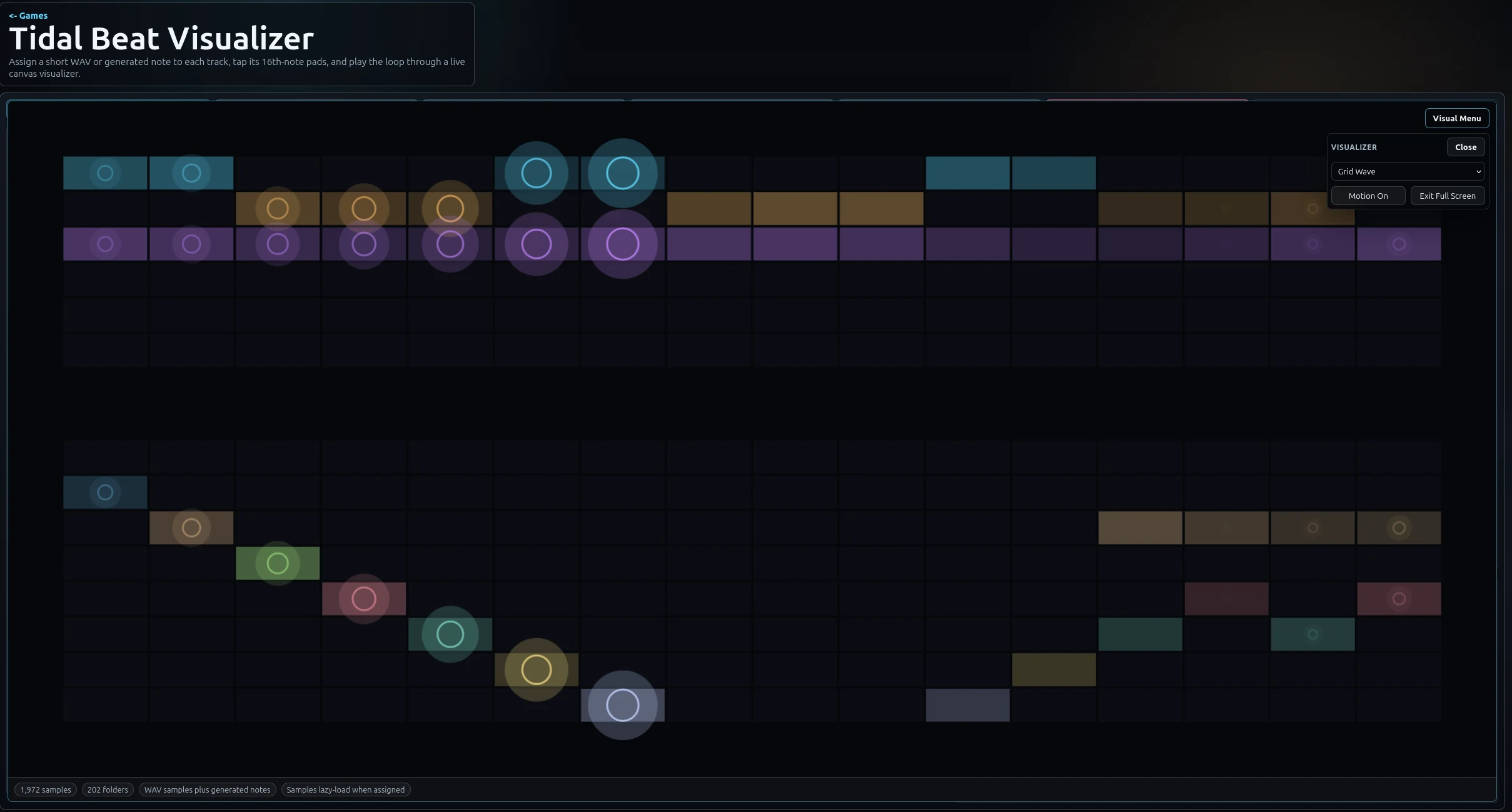
Tidal Beat Visualizer
Assign a short WAV or generated note to each track, tap its 16th-note pads, and play the loop through a live canvas visualizer.
Open Tidal Beat Visualizer